


AI agents
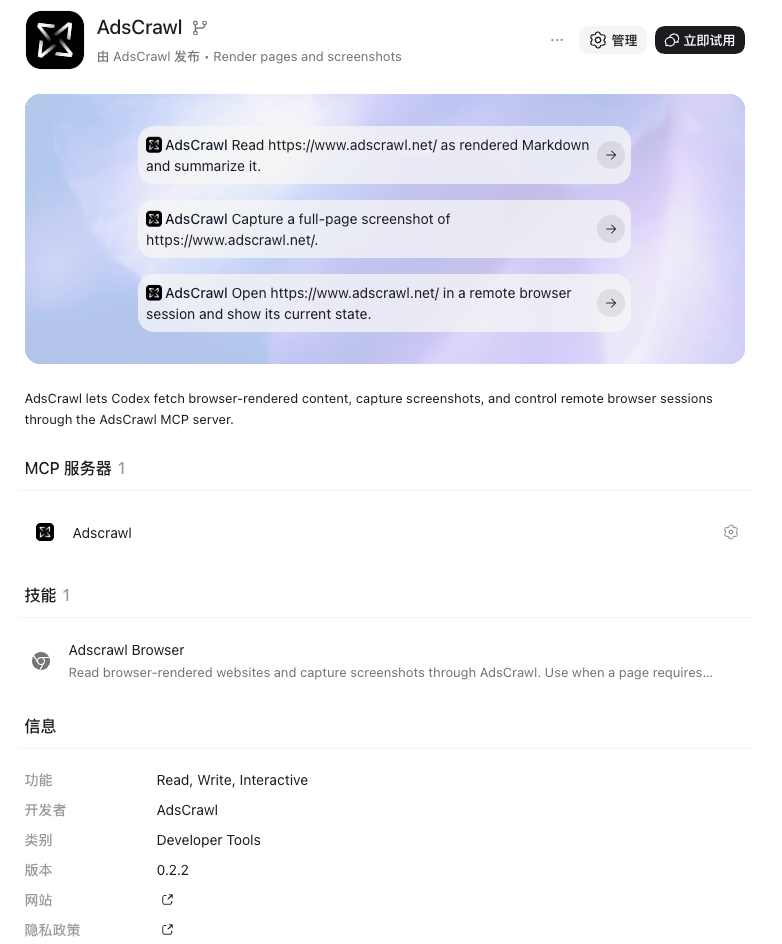
AdsCrawl for Codex
Give Codex access to live, JavaScript-rendered websites. Install the AdsCrawl plugin for the bundled Skill and MCP connection, load the Skill on its own, or configure MCP directly.
What you can do
Rendered web content
Read JavaScript-rendered pages as Markdown, HTML or structured article JSON.
Page screenshots
Capture a viewport or full page through the screenshot API.
Browser workflows
Use Remote CDP for navigation, clicks and form input across multiple steps.
Before you start
- An AdsCrawl account and API key.
- Codex with support for your chosen integration method.
- Python 3.9+ for the Skill's script fallback; Git for the manual Skill install.
SETUP METHOD 01
Plugin
The bundled option: workflow instructions, an MCP connection and a Python fallback in one install.
Install from the Git marketplace
Run in a terminal with the Codex CLI installed.
codex plugin marketplace add AdsCrawl/adscrawl-codex codex plugin add adscrawl@adscrawlConnect your account
Set ADSCRAWL_API_KEY before starting Codex when using the compatibility package. Hosts supporting the portable plugin can collect the key in their secure connection UI.
Start a new task
Start a new Codex task so the bundled adscrawl-browser Skill loads. Ask Codex to use AdsCrawl and verify the result with the example below.
SETUP METHOD 02
Skill
Load the workflow instructions separately. Use an existing MCP connection or the bundled Python script.
Keep the complete package and register the Skill
For macOS/Linux, clone the source and link its Skill folder into the user skill directory. Keep the checkout: the Skill also uses scripts in its parent package. If already installed, reuse the existing checkout and link.
mkdir -p "$HOME/.local/share" "$HOME/.agents/skills" git clone https://github.com/AdsCrawl/adscrawl-codex.git \ "$HOME/.local/share/adscrawl-codex" ln -s "$HOME/.local/share/adscrawl-codex/plugins/adscrawl/skills/adscrawl-browser" \ "$HOME/.agents/skills/adscrawl-browser"Authorize the script or connect MCP
A Skill alone does not register an MCP server. Use the MCP method on this page, or run the fallback authorization command and approve its link in your browser.
python3 "$HOME/.local/share/adscrawl-codex/plugins/adscrawl/scripts/adscrawl.py" authUse the Skill
Start a new task and select adscrawl-browser. The Skill prefers available MCP tools and falls back to the script at the original checkout path.
Use $adscrawl-browser to read https://example.com as Markdown. Save the result and verify the page heading.
SETUP METHOD 03
MCP
Connect directly to AdsCrawl's hosted browser tools. No local browser server is required.
Make your key available
Set ADSCRAWL_API_KEY in the environment of the process running your client. Keep it out of browser code and source control. Restart your client after setting the variable so it inherits the environment.
Add the server to ~/.codex/config.toml
Merge this entry into your existing configuration, keeping other servers. Approve the project server if your client asks.
[mcp_servers.adscrawl] url = "https://api.adscrawl.net/mcp" env_http_headers = { "x-api-key" = "ADSCRAWL_API_KEY" }Connect and verify tools
Check the client's MCP status and confirm browser_open, browser_read and browser_close are available. Then try the example below.
Try it
After setup, send this to your agent to check that the integration works.
Open https://example.com with AdsCrawl, read the page heading, then close the browser. Confirm that the session has stopped.Let your agent help with setup
Set up AdsCrawl in this codebase. Use https://api.adscrawl.net/auth.md to help me create an account and authorize an API key, then follow https://api.adscrawl.net/docs/agent-quickstart.md to complete the integration.Usage & limits
- Choose the plugin or manual Skill installation to avoid duplicate adscrawl-browser entries. Direct MCP adds tools; the Skill adds workflow instructions.
- API requests and browser sessions use your AdsCrawl account credits. Installing a client does not include a separate usage allowance.
- Close remote sessions after use. A disconnected client or closed viewer does not confirm that the server-side session has stopped.
- MCP browser_screenshot creates a publicly accessible JPEG link; use it only for content you intend to share. The HTTP screenshot API and script fallback return PNG data instead.